
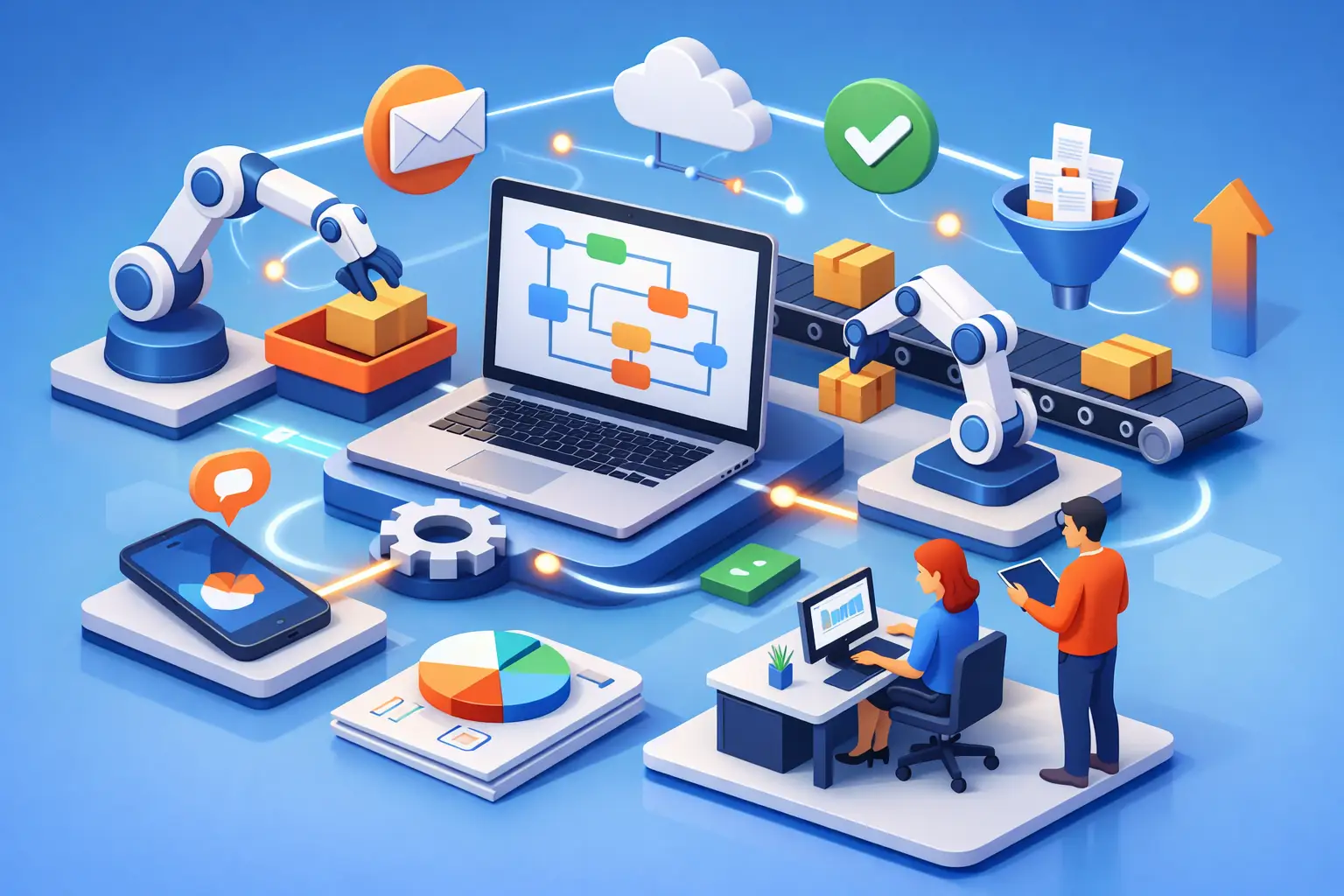
Every small business owner knows the feeling – too many tabs open, too many messages waiting, and too many jobs that somehow depend on you remembering one more follow-up. That is exactly where automation workflows for small business start to matter. Not as some flashy tech trend, but as a real way to protect your time, reduce mistakes and create room to grow.
If you are building a side hustle, running a freelance service, or growing an online business after work or uni, automation is not about replacing your effort. It is about making sure your effort goes into the tasks that actually move the money. The truth is simple: if your business relies on memory, manual copy-paste, and late-night catch-ups, growth will eventually feel heavy.
What automation workflows for small business actually mean
An automation workflow is just a chain of actions that happens automatically after a trigger. A customer fills out a form, and they get a welcome email. A payment comes through, and an invoice is sent. A lead books a call, and your calendar updates while a reminder message goes out.
That is the core idea. One action starts the next without you stepping in every single time.
For small business, this matters more than it does for larger companies. Big companies can throw staff at messy systems. Small businesses usually cannot. When you are the marketer, admin officer, salesperson and service provider all at once, wasted motion costs you twice – first in time, then in lost opportunities.
Good automation gives you consistency. It also gives customers a better experience because they are not waiting for you to remember what should have happened next.
Where most small businesses waste time
A lot of owners think they need advanced software before they can automate. Usually, they do not. What they need first is clarity. Most lost time comes from a few repeat issues.
Leads arrive from different places and sit unanswered. Customer details get entered into multiple systems. Follow-ups happen late or not at all. Team members ask the same questions because no workflow is documented. Payment reminders depend on awkward manual chasing. None of this feels dramatic on its own, but together it drains momentum.
This is why automation should begin with friction, not tools. Start by asking one question: where does work repeat so often that it should no longer depend on me?
That answer is your first automation opportunity.
The best automation workflows for small business to set up first
The smartest place to begin is not everywhere. It is the one process that happens often, follows a pattern, and creates delays when missed.
Lead capture and follow-up
If someone shows interest and hears nothing for 24 hours, you are already making growth harder than it needs to be. A basic lead workflow can collect form submissions, store the contact, tag the lead source, and send an instant response.
That first message does not need to sound robotic. It should sound clear, helpful and human. The point is speed. You can still add personal follow-up later, but the system makes sure no lead drops into a black hole.
Client onboarding
This is one of the biggest wins for service businesses and freelancers. Once a client says yes, your workflow can send a welcome email, request missing details, issue an invoice, share the next steps, and create internal tasks.
Without this, every new client feels like starting from scratch. With it, the experience feels confident and professional from day one.
Sales and payment reminders
Many businesses lose cash flow simply because follow-up is inconsistent. Automated reminders for unpaid invoices, abandoned carts or pending proposals can lift conversions without turning you into a full-time chaser.
There is a balance here. Too many reminders feel pushy. Too few mean money gets left on the table. The right workflow respects the customer while keeping your revenue moving.
Content and social media scheduling
If your business depends on online visibility, content workflow automation can save serious time. You can plan posts, route content for approval, repurpose one piece into multiple formats, and schedule publishing.
This does not mean your brand should become generic. It means your consistency should not collapse every time life gets busy.
Customer support and FAQs
Not every support message needs a custom reply. A smart workflow can confirm receipt, sort enquiries by type, send answers to common questions, and flag urgent issues for real human attention.
This is especially helpful for small teams. You protect response times without pretending automation can solve everything.
How to build automation workflows without creating a mess
The biggest mistake is automating a broken process. If the steps are confusing, automation simply makes the confusion happen faster.
Start small. Write out the current process in plain language. What starts it? What has to happen next? Who needs to know? What information gets used? Where do delays happen?
Once you can see the process clearly, remove unnecessary steps before you automate anything. This matters. A lean manual process is easier to automate than a bloated one.
Then test one workflow at a time. Not five. Not ten. One.
For example, if your current lead process involves checking Instagram messages, email enquiries and website forms separately, your first goal might be to bring all leads into one place and trigger one fast response. That is already progress. You do not need a giant system on day one.
The trade-offs nobody mentions enough
Automation is powerful, but it is not magic. And if you use it badly, it can damage trust.
The first trade-off is between speed and personal connection. A fast response is valuable, but a bland, obviously automated message can feel cold. The fix is not avoiding automation. The fix is writing better messages and choosing the right moments for human follow-up.
The second trade-off is between efficiency and complexity. More workflows are not always better. If your systems become so tangled that you are scared to touch them, you have built stress, not freedom.
The third is cost. Some tools are affordable, especially when you are starting out, but software subscriptions stack up quickly. That means your automation should earn its place. If a tool saves ten minutes a month and adds another bill, it may not be worth it yet.
It depends on your stage of business. A solo freelancer needs different workflows from an ecommerce store or a coaching business with a sales team. The goal is not to copy someone else’s tech stack. The goal is to build systems that fit the way your business actually makes money.
Skills matter more than software
This is where a lot of ambitious learners get stuck. They think automation is only for coders or tech experts. It is not. What you really need is digital thinking – understanding how customer journeys work, how tools connect, and how to turn repeat tasks into repeatable systems.
That skill has earning power.
If you can build automation workflows for small business, you are not just helping your own workday. You are building a practical, in-demand capability that can support freelancing, consulting, operations roles, digital marketing, and online business growth. Businesses do not pay for buttons and dashboards. They pay for saved time, cleaner systems and better results.
That is why implementation-focused learning matters. Theory alone will not fix a clunky process. You need to know how to map a workflow, choose the right trigger, write effective customer messages, test outcomes, and improve what is not working. This is the kind of skill that moves from learning to earning.
A simple way to start this week
Pick one process that annoys you every week. Not the biggest dream system. Just one repeated pain point.
Maybe it is sending the same onboarding email. Maybe it is forgetting to follow up leads. Maybe it is manually confirming bookings. Write the process down, tighten it up, then automate the first three steps.
That first win changes how you think. You stop seeing automation as something only bigger businesses do. You start seeing it as a growth habit.
For ambitious business owners and learners, that mindset shift is massive. It means you are no longer building a job that traps you inside every small task. You are building an engine that can support confidence, consistency and eventually financial freedom.
DigiGrowth stands for practical skills that lead somewhere real, and this is one of them. When you learn how to build better systems, you do not just save hours. You create space to sell more, serve better and grow with intention.
Start with one workflow. Make it useful. Make it reliable. Then build from there – because the businesses that scale are rarely the busiest ones. They are the ones that learn how to make smart work repeat itself.

2 Comments
[…] offers and a growing audience, ActiveCampaign gives you more control. You can build detailed automations around clicks, purchases, website behaviour and lead […]
[…] AI automation workflow is a sequence of actions that starts when something happens, processes information using AI where […]